Physical Address
304 North Cardinal St.
Dorchester Center, MA 02124
Physical Address
304 North Cardinal St.
Dorchester Center, MA 02124
So, you’ve been racing on a controller for a while and started wondering: how could this be any better?
That’s usually the moment when sim racers begin thinking about upgrading to a wheel and pedals, but the next question quickly becomes, where do you even start?
Sim racing is one of the best ways to experience motorsport from home. Whether you enjoy F1, NASCAR, GT3 racing, or just cruising down mountain passes in a Toyota AE86, sim racing as a hobby offers an incredible variety of experiences.
The good news?
You don’t need to spend loads of money on professional cockpits, wheels, or pedals to get started.
In this beginner guide, we’ll explore entry level and mid-range sim racing gear, keeping realistic budgets in mind, so you can start racing without feeling overwhelmed.
When we talk about a sim racing setup, we usually think about hardware — and that is the main part — but software also plays a crucial role in allowing you to drive these virtual machines.
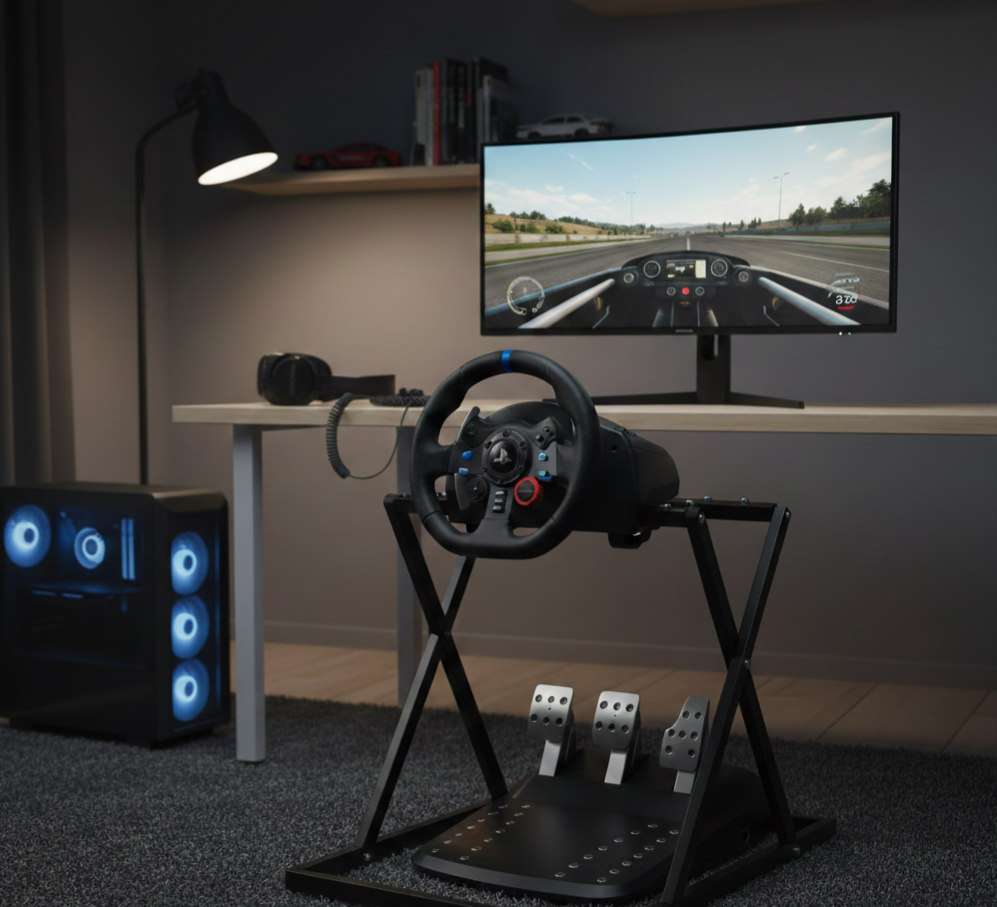
A basic sim racing setup consists of:
Many sim racers start with a simple setup and upgrade gradually over time. That’s part of the fun — learning, improving, and evolving your setup as your interest grows.
This is the first piece of equipment you’ll spend money on, and it’s also the most important.
Switching from a controller to a wheel and pedals completely changes how racing feels, whether you’re playing online or offline.
Even an entry-level wheel provides far more immersion and control than a gamepad. One important rule for beginners, If a wheel does not have force feedback, it is not worth buying.
Force feedback allows you to:
This feedback is what teaches you how the car behaves — and it’s what makes sim racing feel alive.
These wheels are popular for a reason: they’re reliable, affordable, and beginner-friendly, and they’ve introduced thousands of people to sim racing.
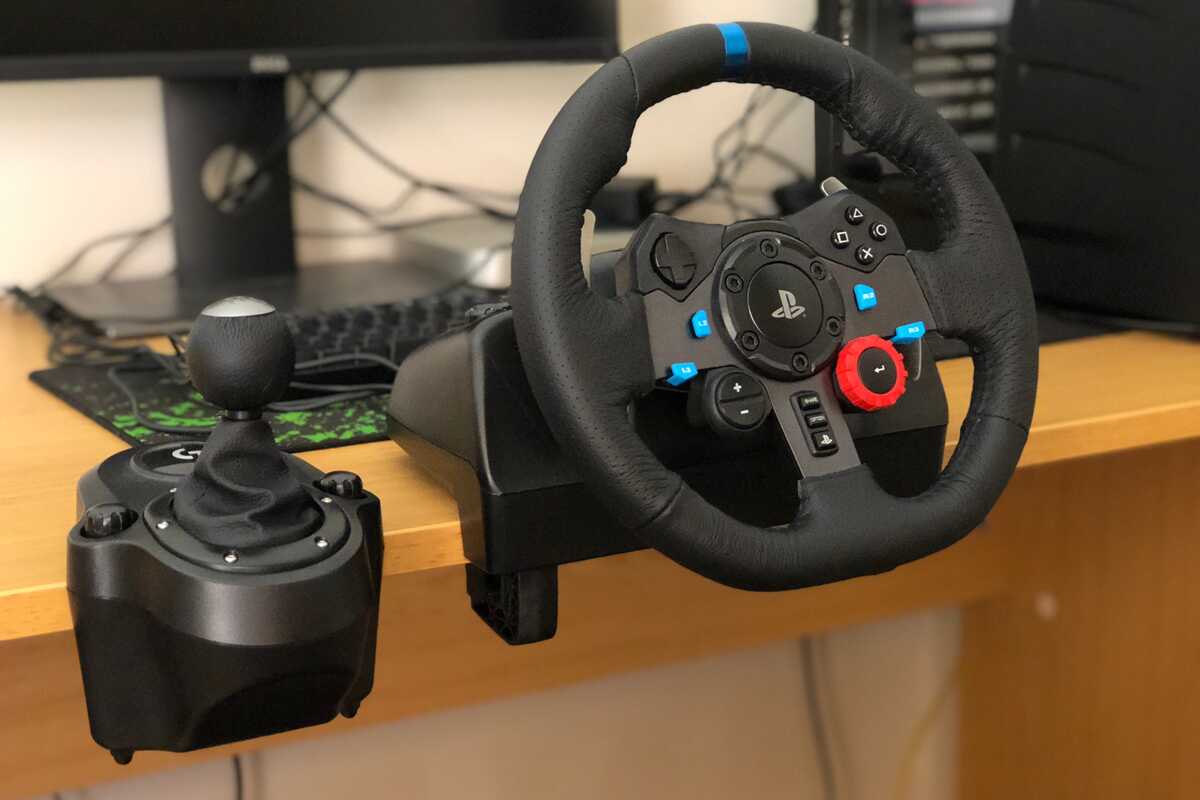
Logitech’s entry-level wheels are well known in the sim racing world, primarily for their ease of use and affordability.
Why they’re popular:
These wheels use gear driven force feedback, which can be a bit noisy, and come with basic pedals that still include a clutch. They’re designed to be plug and play, with the G29 compatible with PC and PlayStation, the G920 with PC and Xbox, and the G923 serving as the updated version of the lineup.
Bonus tip:
Because these wheels have been around for so long, they’re widely available on the second hand market at very affordable prices. Buying used can save money; just be cautious and test when possible.
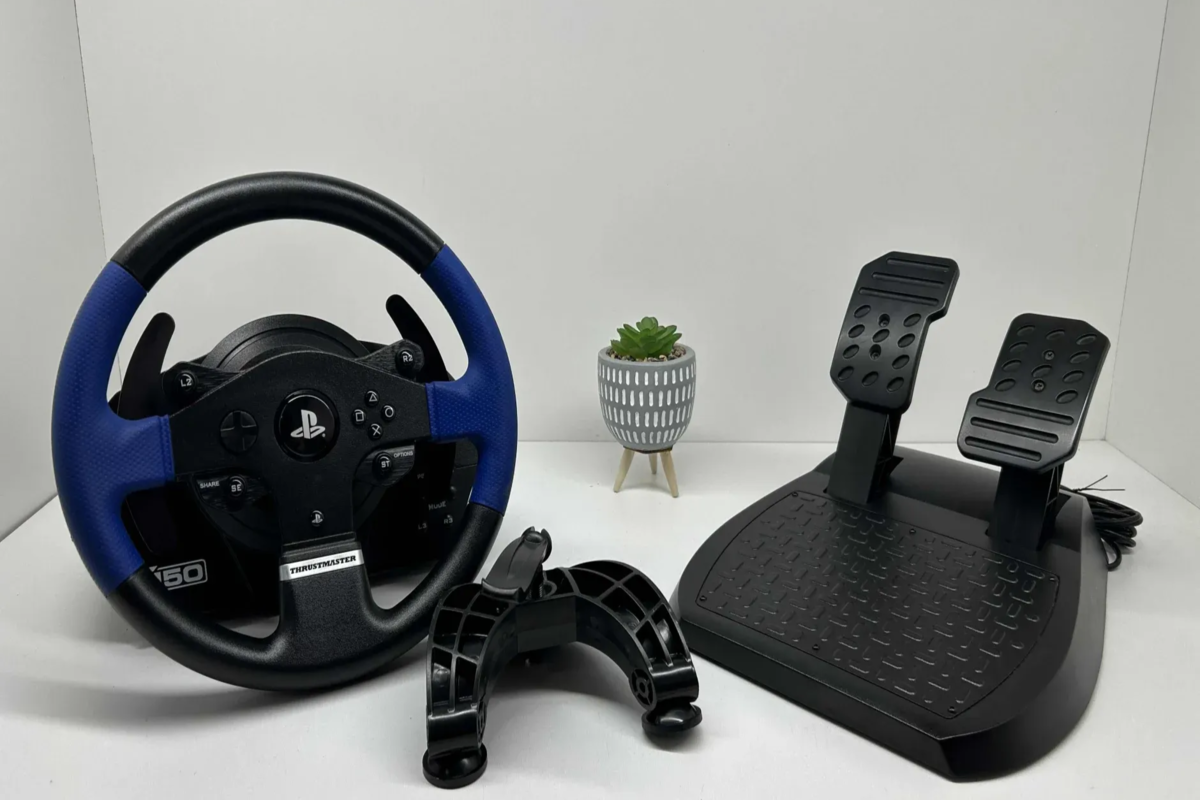
The Thrustmaster T150 is another excellent beginner option and a strong alternative to Logitech.
Things to know:
This wheel is ideal if you want smoother feedback and the option to upgrade within the same brand over time.
Bonus tip:
Like Logitech wheels, the T150 is also commonly found on second hand marketplaces.
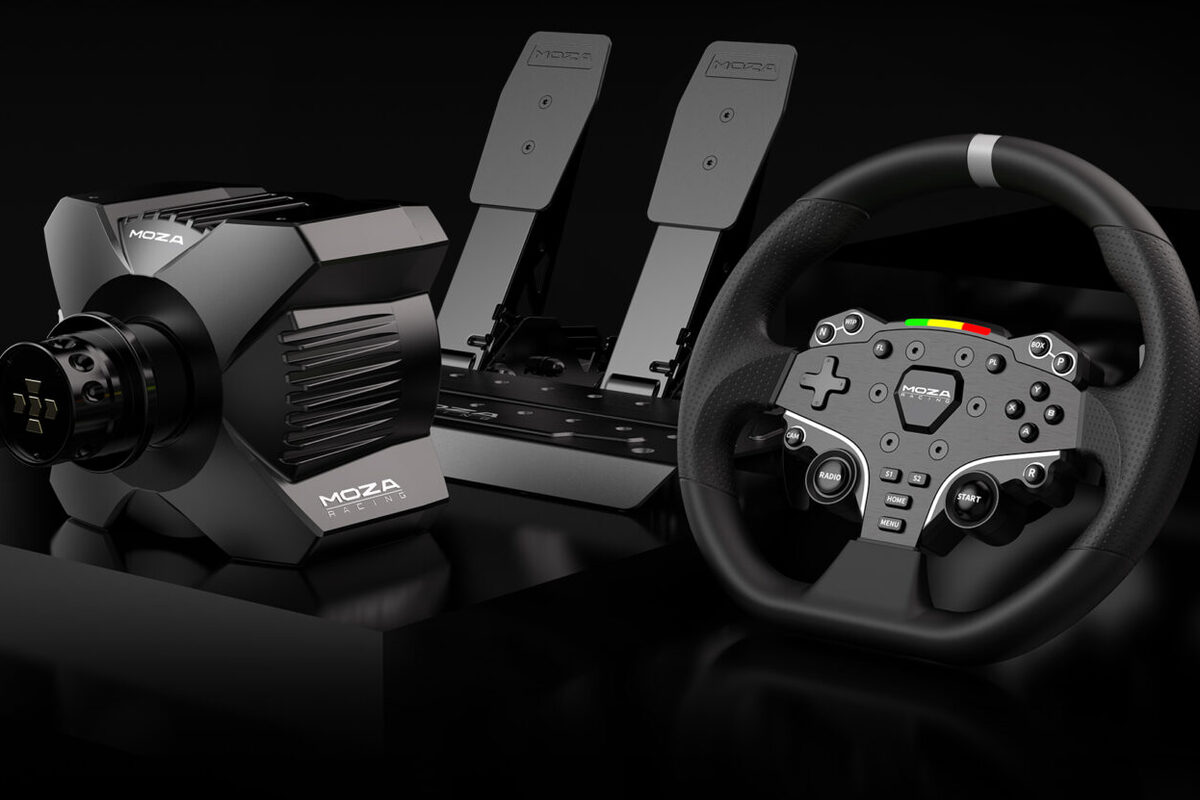
The MOZA R3 is a newer addition to the entry-level sim racing market, and it’s our favorite. It brings direct drive technology to a beginner friendly price point.
Things to know:
Because it’s relatively new, it’s harder to find used, but if you’re buying new, this is one of the strongest entry-level options available today.
Both PC and console are great ways to start sim racing, and you don’t need an expensive system either way.
Even a budget gaming PC can run many sim racing titles with lowered settings.
Xbox and PlayStation both offer great experiences. While Forza Horizon is now available on multiple platforms, Gran Turismo remains exclusive to PlayStation, which may influence your choice.
Beginner advice:
Use what you already own. Many sim racers start on console and move to PC later.
This is the part many beginners overthink. Do you need a cockpit? What even is a wheel stand? How much space does it take? and many more questions come to mind. The honest answer: keep it simple at first. Many people who are very competitive race on a desk; you don’t need a wheel stand or a cockpit to be good and enjoy this
hobby. Here are all the things to consider with each method:
Yes — sim racing on a desk is absolutely fine.
What you need:
Wheel stands are a great upgrade if you want more stability without committing to a cockpit.
Why they’re popular:
For many beginners, this is the perfect middle ground.
Cockpits offer the most immersion, but:
Desk → Wheel stand → Cockpit is a natural progression, not a requirement
Sim racing doesn’t have to be expensive. Entry level setups can be quite affordable, especially if you already have a PC or a Console. Mid range setup will usually include a more expensive direct drive wheel, better pedals, and a wheel stand. High end setup would include an even more powerful and expensive direct drive wheel, load cell pedals, cockpit, and even triple monitor setups.
Absolutely.
Many fast sim racers started with desk setups with a logitech g29 or thrustmaster wheels. Hardware is nice, but what is more important is practice, consistency, and enjoyment. Sim racing is a journey, not a single purchase. Your first setup doesn’t need to be perfect; it just needs to get you on track. Start racing, enjoy the process, and welcome to sim racing.
